evaradigital.co.in

Boost your business with the **WhatsApp CRM Complete Business Solution**—the world’s best WhatsApp marketing software. Automate your communication with features like **unlimited chatbot creation**, **broadcasting & bulk messaging**, **auto follow-up reminders**, and **label-wise contact organization**. Manage leads, schedule campaigns, and handle multiple tabs and groups effortlessly. Ideal for smart marketers and sales teams, this CRM simplifies lead nurturing, boosts engagement, and drives conversions—all through WhatsApp. Perfect for growing businesses and digital agencies.

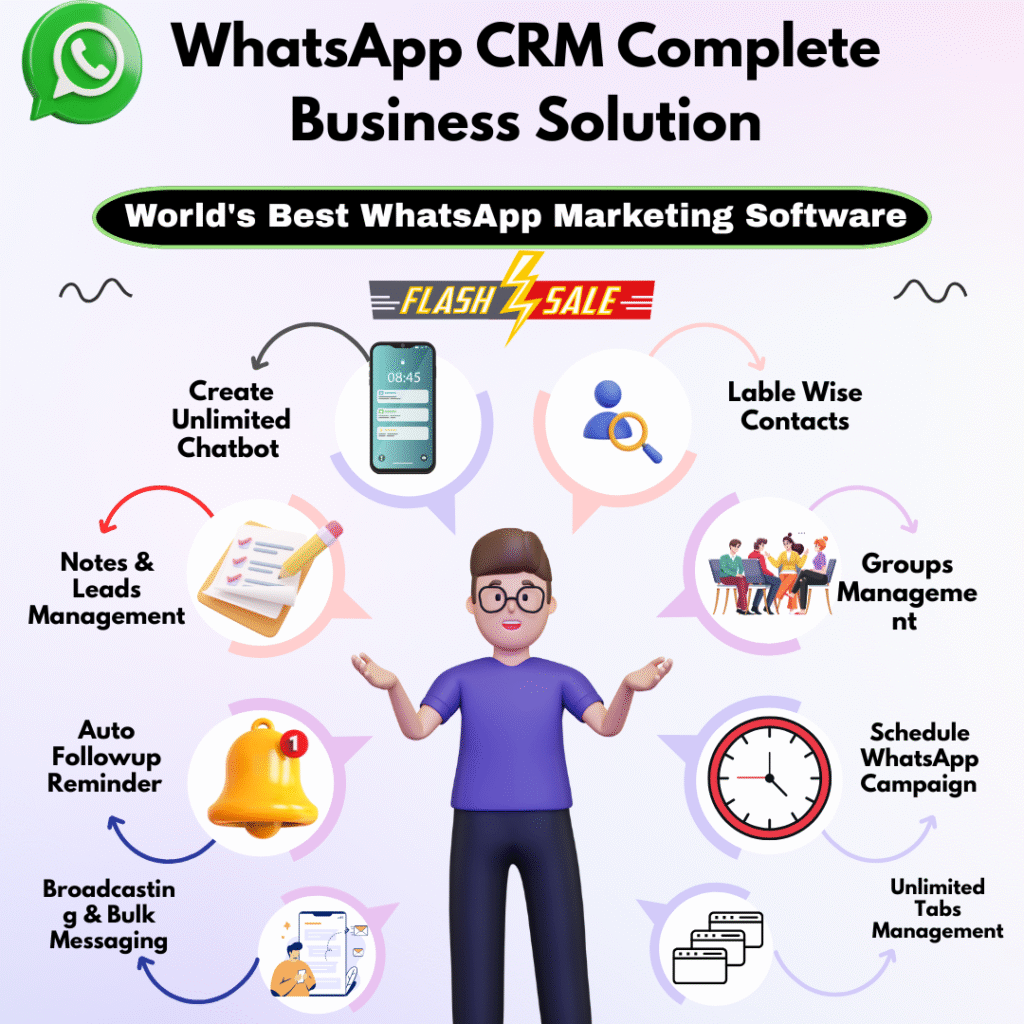
  • Send Bulk Message

  • Group Contact Grabber

  • Connect Multiple WhatsApp

  • Send Photo, PDF, Documents, Files

  • Built-in Auto Reply System

  • Customize Message

  • AI Anti Blocking System

  • Import Data From Excel Sheet

  • Send Personalized Messages

  • Auto Follow-up Reminder

  • Notes & Leads Management

  • Create Workflow

  • Tabs Management

  • Schedule WhatsApp Campaign

  • Label Wise Contacts


WHO CAN BENEFIT FROM THIS SOFTWARE?

Freelancer

Business Owner

Agency Owner

Course Creator

Startup Founder

Affiliate Marketing

We Help to Grow your Business

Real Time Experience

Integrate WhatsApp instant messaging, connect with customers in no time to improve efficiency.

Lead Management

Track the source, conversion flag, loss of sales, follow up, reminders within one single platform.

WhatsApp Customer

Fulfills all your WhatsApp customer management relationship needs.

Categorization

Categorize your customers based on stages so your manual work gets eliminated.

Send Bulk

Send offers to specific labels to increase conversion rate and make them feel special.

Work Smarter, Not Harder

Best WhatsApp CRM

WhatsApp CRM represents a transformative fusion of instant messaging and CRM systems, revolutionizing the way businesses manage customer relationships.

Real-Time Engagement

WhatsApp CRM empowers businesses to interact with customers in real-time — whether addressing queries or offering support.

Personalized Communication

Leveraging CRM data, businesses can craft personalized messages for customers on WhatsApp.

Unified Customer View

Integrating WhatsApp into the CRM system provides a unified view of each customer's journey.

Automation and Chatbots

With WhatsApp CRM, businesses can implement chatbots and automation to handle routine queries and tasks efficiently.

100% Geniune & Trusted

WHY CHOOSE OUR WHATSAPP CRM SOFTWARE?

1. No More Typing

With WhatsApp CRM, you can quickly and easily send messages to large groups of people without having to type out each one individually. Reach more customers.

2. Reaching More Customers In Less Time

With WhatsApp CRM software, you can quickly reach more customers with your marketing messages without having to type out each one individually. This saves you valuable time that you can use for other tasks. Increased reach.

3. WhatsApp Auto Reply Bot

Enhance customer interactions with automatic responses for improved responsiveness.

4. Powerful Free Business Tools For Your WhatsApp Campaign

Gain access to a wide range of built-in tools included in the software to simplify your WhatsApp campaign. These tools include Google Maps data scraper, mobile number scraper from the internet, WhatsApp number filter, auto-reply bot, and various other useful tools for your business and marketing needs.

5. Stay Ahead With Free Lifetime Updates

We believe in continuously improving our product to provide you with the best messaging solution. With 100% free 1-year updates, you can stay ahead of the competition and enjoy new features as they are introduced. Take advantage of this opportunity to unlock the full potential of efficient, bulk messaging without any additional cost. Don’t miss out on our special discounted price for a limited time only! Here's the exciting part – when these game-changing updates are ready to roll, we won’t keep you waiting. We’ll promptly deliver them straight to your registered email address, so you can enjoy the benefits without delay. To view all the recent changes we’ve made to enhance your experience, click on our "Timely Updates & Changelog" button.